Client project
Voy — Social Commerce Web App
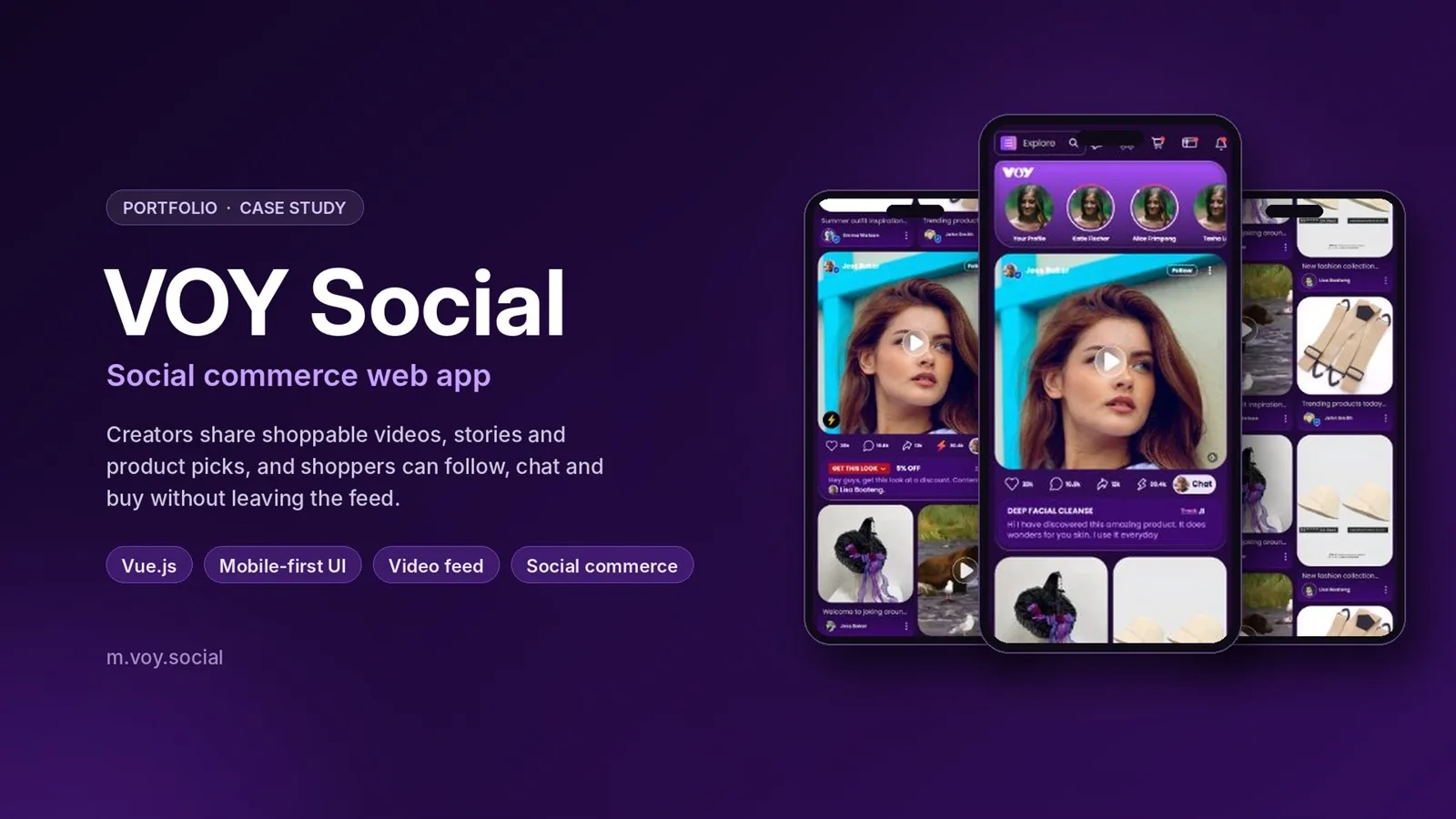
Voy is a mobile-first social commerce app where creators share shoppable videos, stories and product picks, and shoppers follow, chat and buy without leaving the feed. As a front-end developer in a small team, I built the shop, profile and product pages in Vue 3 and TypeScript and connected them to the REST API.
Overview#
Voy is a social commerce platform where people connect, shop and share in one app. Users scroll a feed of creator content, open seller shops by category, view products with variants and reviews, check out, and collect rewards in a wallet.
It ships as an installable Progressive Web App (PWA) for Android, iOS and desktop, so it opens like a native app without going through an app store.
My role#
I worked as a front-end developer in a small team, building screens in Vue 3 and TypeScript and wiring them to the backend REST API. Tasks came through Jira, including mobile bugs reported by testers.
I built from scratch:
- the Profile / Shop page, with tabs for a seller's social posts and their product grid;
- the Product Details page, with an image gallery, colour and price variants, add-to-cart and a ratings and reviews tab;
- the Social page UI.
I also redesigned the Wallet page and the filter UI.
The problem#
A social commerce app mixes two products in one: a feed that has to feel as smooth as a social app, and a shop that has to be as clear as a store. Most users are on phones, often on mobile data, and they expect video, sliders and sticky controls to work as well on iPhone Safari as on Android Chrome.
On top of that, categories, products and creators all come from the API, so every screen needs proper loading, empty and filtered states.
Approach & architecture#
The app is a Vue 3 single-page app built with Vite, using the Composition API with <script setup>, Pinia for shared state and Vue Router for navigation. Axios calls the REST API, and Tailwind CSS v4 handles styling.
Category browsing and search. I connected the categories and users/sellers APIs to the category slider and the creator sections. Categories nest into subcategories loaded from the API. Search and filter values are sent to the API as query parameters, and each category shows its product count. When nothing matches, the page shows a clear empty state instead of a blank grid.
Product variants. The product detail API returns colour and price variants. Picking a colour updates the price and images on the page, so the shopper always sees what they are adding to the cart.
Brand logos. I built a typed brand-logo map that links category and subcategory IDs to a brand logo and country of origin. A product card shows the most specific match: the subcategory logo first, then the parent category logo as a fallback. It is used for the Women's Clothing and Pet Supplies categories.
PWA. vite-plugin-pwa generates a Workbox service worker that caches images, fonts and API responses, with a custom install prompt for Android and iOS and splash screens.
Key challenges#
Video on iPhone. Feed videos did not play correctly in iOS Safari, which has stricter rules for inline and autoplaying video than Android browsers. I fixed playback so the feed works the same on iPhone.
Tap problems in the filters. On mobile, parts of the filter UI did not respond reliably to taps. I redesigned the filter panel and fixed the tap and click handling.
Sticky controls without clutter. A search bar appears and sticks to the top once the user scrolls, and key product-detail sections stay sticky, so the main actions remain in reach on long pages. Scroll animations add motion without getting in the way.
Image weight. The wallet page carried heavy brand images. Converting them to WebP made them smaller so the page loads faster on mobile data.
Tech stack#
- Vue 3 (Composition API) — component logic with
<script setup>and composables. - TypeScript — typed API data and the brand-logo map, checked with vue-tsc.
- Vite — fast development server and production builds.
- Tailwind CSS v4 — mobile-first styling.
- Pinia and Vue Router — shared state and navigation.
- Axios — REST API calls with query parameters for search and filters.
- Swiper — category, creator and wallet sliders.
- vite-plugin-pwa (Workbox) — install prompt and offline caching.
- ESLint, Oxlint and Prettier — code quality across the team.
Results#
Voy is live at m.voy.social as an installable web app. The shop, profile, product detail, social and wallet screens I worked on are part of the production app.
Screenshots#